Tally
Summary
Tally is a form and survey builder for teams, creators, and businesses that want to collect responses without coding or paywalls. It includes Unlimited forms and submissions, Conditional logic, Multi-page forms, Embedded forms, Custom design options, Collect payments, and API access. Integrations include Notion, Google Sheets, Airtable, Slack, Coda, Google Analytics, Meta Pixel, Zapier, Make, and Pipedream. It's used by Notion, Make, Buy Me a Coffee, Rakuten, Glovo, Thomas Frank, Supernotes, Delta, and Dribbble. Plans run Free, Pro $29/month, and Business $89/month.
Verdict. Tally combines unlimited forms and submissions with conditional logic, embedded forms, and Stripe-backed payments, while its Free, Pro at $29/month, and Business at $89/month tiers keep the ladder simple for teams that need no-code collection and workflow handoff.
Reviewed byMathijs BronsdijkLast verifiedHow we evaluate
At a glance
- Tally is best for teams and creators who need fast, no-code forms with generous free usage.
- Free; Pro $29/month; Business $89/month
- Yes — Yes, Tally offers API access for developers; docs are at developers.tally.so.
Highlights
- No-signup form creation lowers friction for quick launches and one-off campaigns.
- Unlimited forms and submissions on the free plan make it practical for high-volume collection.
- GDPR compliance, Europe-based hosting, and encryption support privacy-sensitive use cases.
- Integrations cover both no-code automation and analytics tools, reducing manual handoffs.
- Customer stories show adoption across product feedback, automation, and creator workflows.
What does Tally do?
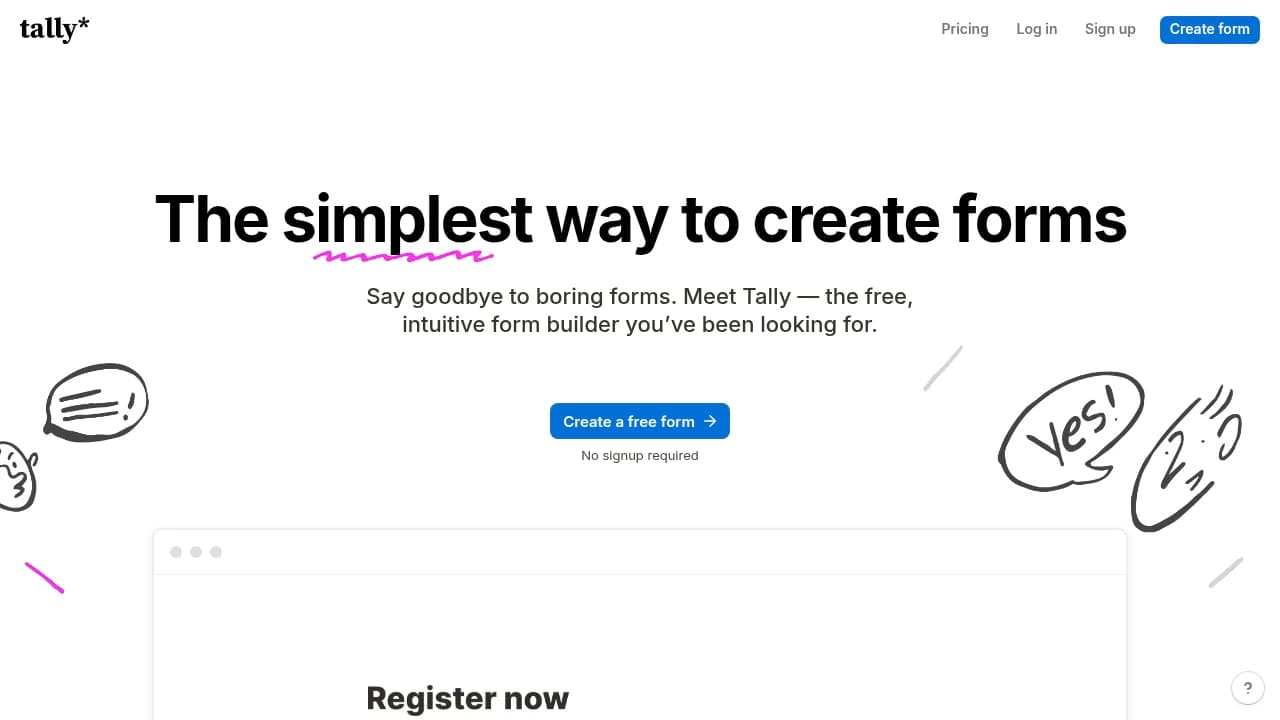
Tally is a form and survey builder for teams, creators, and businesses that want to collect responses without coding or paywalls. It lets users create professional-looking forms directly in the browser, starting from a blank page or template, and is designed for everything from contact forms and registrations to quizzes, surveys, and checkout flows. Its core capabilities include unlimited forms and submissions, conditional logic, multi-page forms, embedded forms, custom design options, email notifications, and integrations with tools like Notion, Google Sheets, Airtable, Slack, Zapier, Make, and Pipedream. Tally says it powers 500,000+ teams, is GDPR compliant, and stores form data in Europe with encryption in transit and at rest. Customers highlighted on its site include Notion, Make, Buy Me a Coffee, Rakuten, Glovo, Thomas Frank, Supernotes, Delta, and Dribbble. It also offers API access for developers and supports self-serve creation with no signup required.
Who is Tally for?
- Product teams who need in-app surveys and feedback forms that drive roadmap decisions.
- Creators who want simple lead capture, audience polls, and payment forms without code.
- Operations teams who need internal request forms, file uploads, and automated notifications.
- Agencies who build branded client forms and route submissions into shared workflows.
- Founders who want quick validation forms with analytics and integrations before scaling.
What are Tally's key features?
Unlimited forms and submissions
Create and collect as many forms and responses as needed, with fair-use guidelines instead of hard paywalls. This suits high-volume teams that want predictable usage.
Conditional logic
Show or hide questions based on answers, so forms stay shorter and more relevant. Tally also supports calculations for more dynamic workflows.
Custom design options
Adjust branding, custom domains, CSS, and link previews so forms match your site and campaign assets. This helps teams publish forms that feel native.
Multi-page forms
Break longer forms into steps to reduce friction and improve completion rates. Tally supports answer piping and completion controls for more guided flows.
Embedded forms
Place forms directly inside a website or landing page instead of sending people elsewhere. This is useful for lead capture, onboarding, and support requests.
Integrations
Send submissions to Notion, Google Sheets, Airtable, Slack, Coda, Google Analytics, Meta Pixel, Zapier, Make, or Pipedream for downstream workflows.
Collect payments
Accept payments in forms with Stripe-backed checkout flows, useful for registrations, donations, or simple purchases without building a separate checkout.
API access
Use Tally's API to connect forms with custom applications and internal systems. The developer docs are available at developers.tally.so.
How is Tally used in practice?
Product feedback loops
Product teams use Tally to collect in-app surveys and customer feedback, using Conditional logic to tailor follow-up questions and keep responses relevant. They can then route submissions into tools like Notion or Slack for faster roadmap decisions.
Creator lead capture
Creators use Tally to publish signup, quiz, or payment forms, using Collect payments and Email notifications to turn interest into action. The form can be shared instantly without code, helping them capture leads and payments in one flow.
Agency client intake
Agencies use Tally to build branded intake forms for new clients, using Custom design options and Embedded forms to match each project's site. Submissions can flow into Google Sheets or Airtable for organized handoff and reporting.
How does Tally work?
- Open Tally and create your first form from the dashboard or create page, starting without signup if you want to test the flow first.
- Add questions with the text-document style editor, then insert blocks for contact info, file uploads, signatures, payments, or date and time fields.
- Configure Conditional logic, calculations, and custom design options to shape the respondent experience and keep longer forms relevant and on-brand.
- Publish the form by sharing a link or using Embedded forms on your site, then connect integrations like Notion, Google Sheets, Slack, or Zapier.
- Review submissions in the dashboard, use Data Analytics and form visit analytics to spot drop-off, and refine the form over time.
How much does Tally cost?
Free
Free- Create unlimited forms
- Use basic features
Pro
$29/month- Remove Tally branding
- Custom domains
- Customization
- Team collaboration
Business
$89/month- Tools for teams
- Access to Pro features
- Submission management tools
Frequently asked questions
Is Tally really free?
Yes. Tally offers unlimited forms and submissions for free within its fair-use guidelines, and you can start creating right away without signing up. The vendor also says advanced features like conditional logic, signatures, calculations, and file uploads are available on the free offering.
Are Tally forms secure?
Yes. Tally says it is GDPR compliant, stores form data in Europe, and encrypts data both in transit and at rest. It also says form creators keep full control over the information they collect, and Business customers can control data retention.
Does Tally have an API?
Yes. Tally provides API access for developers, and its docs are published at developers.tally.so. The API is meant for integrating forms with custom applications and internal systems.
Can I integrate Tally with other tools?
Yes. Tally supports integrations with tools such as Notion, Google Sheets, Airtable, Slack, Coda, Google Analytics, Meta Pixel, Zapier, Make, and Pipedream. That makes it easier to route submissions into docs, spreadsheets, automation flows, and analytics.
Can I accept payments in Tally forms?
Yes. Tally supports payment collection, and its site specifically mentions Stripe-backed checkout forms. That makes it suitable for registrations, donations, and other simple payment flows.
Do I need an account to start?
No. Tally says you can create your first form right away without signing up. That makes it easy to test the builder before committing to an account.
How does Tally compare to other form builders?
Tally positions itself as a form builder that keeps unlimited forms and submissions free without locking advanced features behind premium plans. Its site also shows conditional logic, signatures, and password protection as available without paywalls.
Editor's read
Check whether the Pro tier's branding removal, custom domains, and advanced customization are enough before moving to Business. If you need submission management tools or broader team controls, that is the point where the $89/month tier becomes relevant.

 Your brand here