PostHog
Summary
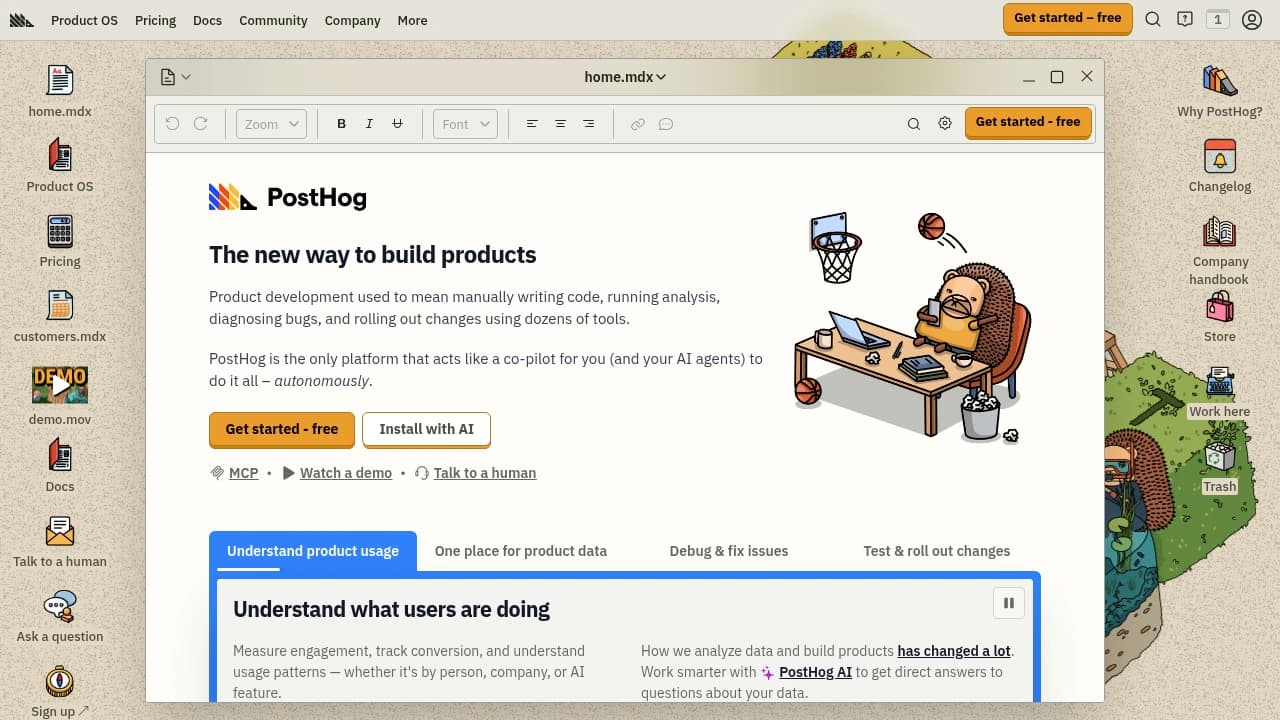
PostHog is an open-source product analytics platform for teams that want to understand user behavior and ship product changes from the same place. It combines Event Tracking, Session Recording, Feature Flags, Product Analytics, A/B Testing, Heatmaps, Retention Analysis, and User Feedback, with a public API for custom integrations. Plans run Free, Pro $49/month, and Enterprise custom.
Verdict. PostHog unifies Event Tracking, Session Recording, Feature Flags, and Product Analytics in one open-source stack, with a Free plan, Pro at $49/month, and Enterprise custom pricing for teams that need analytics and experiments without stitching tools together.
Reviewed byMathijs BronsdijkLast verifiedHow we evaluate
At a glance
- PostHog is best for product teams who want analytics, experiments, and feedback in one platform.
- Free; Pro $49/month; Enterprise custom
- Yes — Public API available for custom integrations.
Highlights
- Combines analytics, session replay, feature flags, and experiments in one product suite.
- Generous free tier and unlimited team members lower the barrier to cross-functional adoption.
- Public API and 300+ integrations make it easier to connect PostHog to existing workflows.
- Supports both web and mobile applications, including mobile session replay.
- Enterprise page shows SOC 2 Type II, HIPAA, GDPR readiness, and the EU-U.S. Data Privacy Framework.
What does PostHog do?
PostHog is an open-source product analytics platform for teams that want to understand user behavior and ship product changes from the same place. It combines analytics, experimentation, and feedback tools so product, engineering, and growth teams can measure what users do, test ideas, and act on results without stitching together separate systems. Its product suite includes Event Tracking, Session Recording, Feature Flags, Heatmaps, A/B Testing, Product Analytics, User Feedback, Retention Analysis, and Custom Dashboards. PostHog also offers a public API for custom integrations and supports web and mobile applications. The company says it has over 60,000 customers, serves 100+ countries, and more than 90% of companies use it for free.
Who is PostHog for?
- Product managers who need behavior data and experiment results in one workflow.
- Engineers who want event tracking and feature flags without juggling separate tools.
- Growth teams who need retention analysis and A/B testing to validate changes.
- Support and research teams who collect user feedback alongside session recordings.
What are PostHog's key features?
Generous monthly free tier
Start with a monthly free tier that includes analytics, session replay, feature flags, experiments, surveys, and data warehouse usage limits.
Unlimited team members
Invite as many teammates as needed without per-seat friction, which helps product, engineering, and growth collaborate on the same data.
Community support
Get help through documentation and community support on the free plan, with a dedicated support channel available for pro users.
API access
Use the public API for custom integrations and developer workflows, so PostHog can fit into internal tools and automation.
Event Tracking
Capture product events across web and mobile apps, giving teams the raw activity data needed for funnels, cohorts, and usage analysis.
Session Recording
Watch individual user sessions to spot confusion, bugs, and drop-off points, with free-tier limits for recordings and mobile recordings.
Feature Flags
Roll out features gradually and control exposure by user or project, then connect flag changes to experiment and analytics data.
Product Analytics
Analyze events, funnels, and usage patterns in one place, with usage-based pricing that scales after the monthly free event allowance.
How is PostHog used in practice?
Product launch tracking
Product managers use PostHog to monitor a launch from first event to retention, using Product Analytics and Custom Dashboards to see whether new users activate and return. Session Recording helps them inspect friction points before the team iterates.
Feature rollout control
Engineers use PostHog to release changes gradually, using Feature Flags to gate access and A/B Testing to compare outcomes. They can pair that with Event Tracking to confirm whether the rollout improves conversion or engagement.
Feedback-driven optimization
Support and research teams use PostHog to collect User Feedback while watching Session Recording for the same users. That combination helps them turn complaints into specific fixes and verify whether the next release reduces drop-off.
How does PostHog work?
- Connect the PostHog SDK to your application and choose the cloud region for your project.
- Define the events and user interactions you want to track, then verify them in Event Tracking.
- Use Product Analytics and Custom Dashboards to inspect funnels, retention, and behavior patterns.
- Add Feature Flags or A/B Testing to ship changes gradually and compare results against your baseline.
- Review Session Recording and User Feedback to understand why users behave the way they do, then iterate.
How much does PostHog cost?
Free
Free- Event tracking
- Session recording
- Basic integrations
Pro
$49/month- All Free features
- Enhanced analytics
- More integrations
Enterprise
Custom- All Pro features
- Dedicated support
- Custom solutions
Frequently asked questions
Is PostHog free to use?
Yes. PostHog offers a free plan with no time limit, and the company says more than 90% of companies use it for free. The free tier includes basic analytics features, session recording, and user feedback capabilities.
Does PostHog have an API?
Yes. PostHog has a public API for custom integrations and developer workflows. The vendor also describes it as a complete API for developers.
Can I self-host PostHog?
Yes. PostHog can be self-hosted, and the vendor points users to its documentation for setup instructions. That makes it a fit for teams that need more control over deployment or data residency.
What integrations does PostHog support?
The platform also says it has over 300 integrations so it can fit into a broad stack.
Is PostHog suitable for mobile apps?
Yes. PostHog supports web and mobile applications, and the pricing page includes mobile session replay as a supported capability. The vendor notes there is not a standalone mobile app.
How long does PostHog retain data?
Data retention depends on plan. The vendor says paid plans retain data for 7 years, while the free plan retains data for 1 year.
What security and compliance does PostHog offer?
PostHog's enterprise page lists SOC 2 Type II certification, HIPAA compliance, GDPR readiness, and the EU-U.S. Data Privacy Framework. It also shows a transparency report with 27% flair progress.
How do I estimate my usage volume?
The vendor recommends starting with the Free plan to get an accurate volume projection after a few days. That gives you a practical read on event volume before you commit to higher usage.
Editor's read
Check the free-tier usage limits around recordings and mobile recordings before rollout, since those caps can shape how quickly you need Pro. Also verify whether your workflow depends on the dedicated support channel, which is listed for Pro users.

Similar to PostHog
 Your brand here